Get 24/7 roadside assistance
Get the help you need when you’re on the road. Flat tire? Dead battery? We’re here to help 24/7. Safety doesn’t take a break, and neither do we.
Our 24/7 roadside assistance services can be accessed with just a few taps on the Amica mobile app.
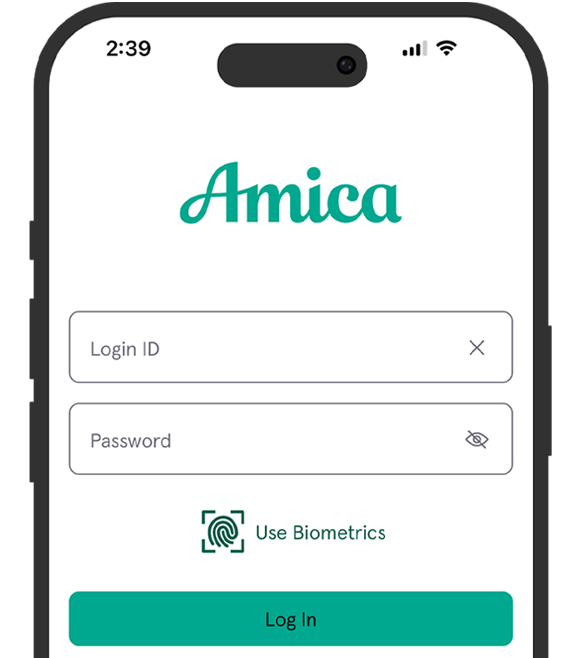



You can download the free Amica mobile app in the App Store or Google Play.
To start using the app, log in with your Amica online account credentials. If you don’t yet have an account, you’ll need to create one at Amica.com.
At this time, creating an online account can only be done on our website, not in the app.
You’ll also need your policy or account number (found on your policy, auto ID card and billing statements).
Through the Amica mobile app, you can report and track a claim, pay your bills, view your policies, get 24/7 roadside assistance and access your ID card.
Yes. We follow digital security best practices to safeguard and secure your personal information. Trust that your data is protected by secure firewalls and other network security measures. Below are links to more information about our corporate privacy and data protection:
Updates are delivered through your device's app store (Apple App Store or Google Play Store). If you've enabled automatic updates, the app will update on its own. If not, you'll see an option to update the app in the store when a new version is available.
To find out which version of the app you have, open the app and locate the app version at the bottom of the screen.
Since the Amica mobile app doesn’t store personal data, your information will not be lost in these circumstances. If you happen to lose or damage your phone, simply download the app and log in to regain access to the app’s functions and features.
Apple and the Apple logo are trademarks of Apple Inc., registered in the U.S. and other countries. App Store is a service mark of Apple Inc., registered in the U.S. and other countries. Google Play and the Google Play logo are trademarks of Google LLC.
AMIC-10-070828